
05Accessibility2026Solo — implementation, testing, tooling
Accessible Combobox — a real comparison
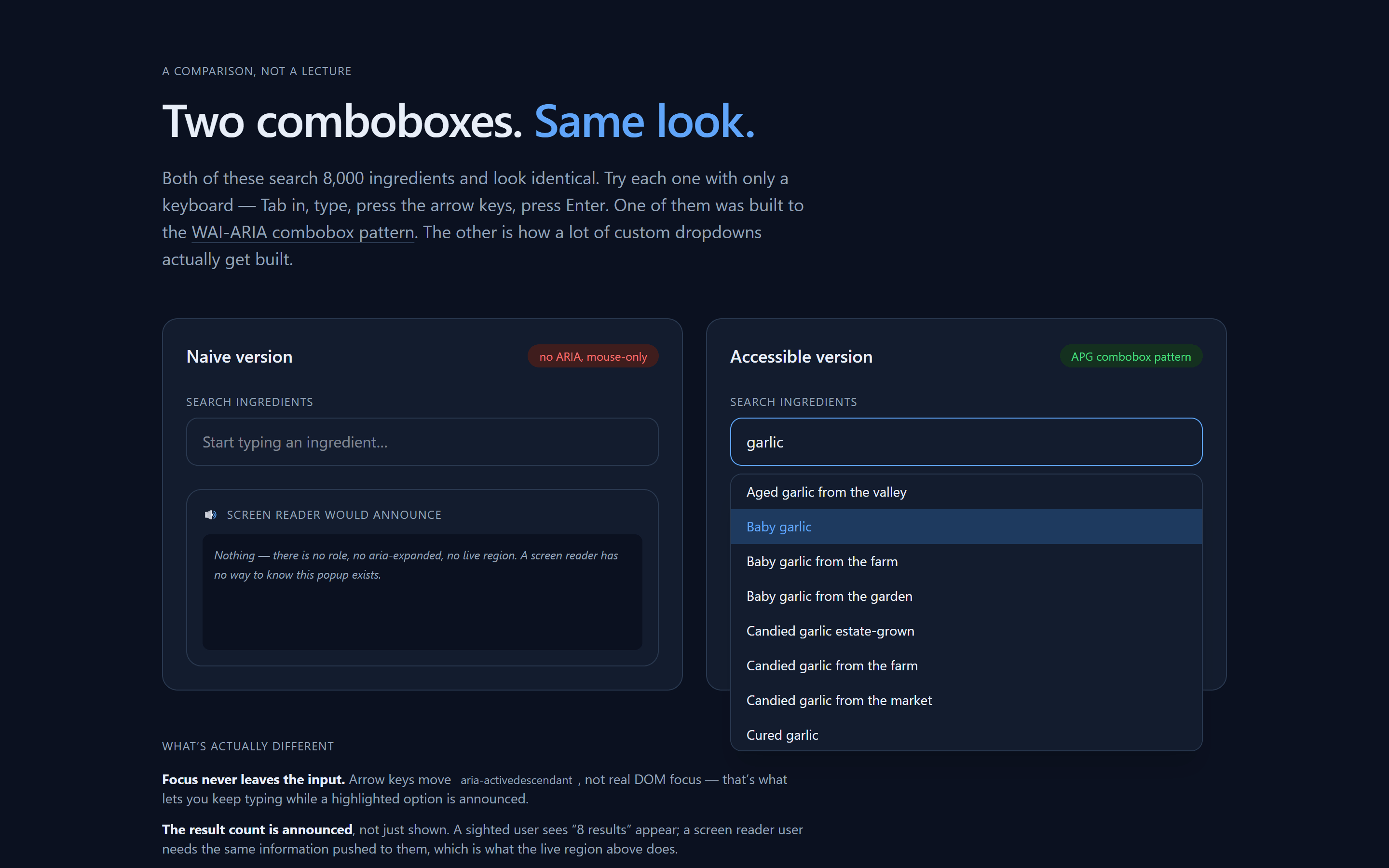
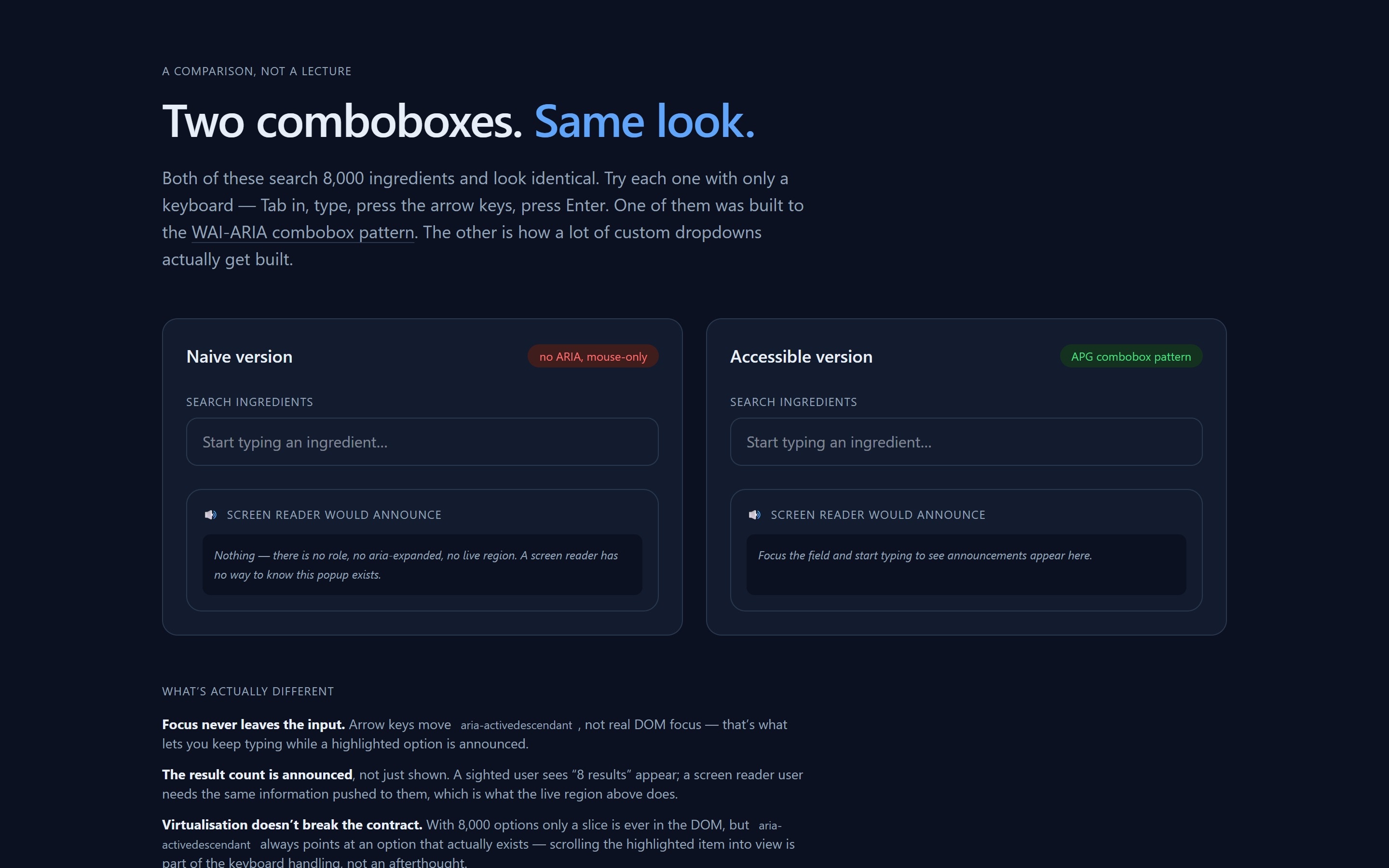
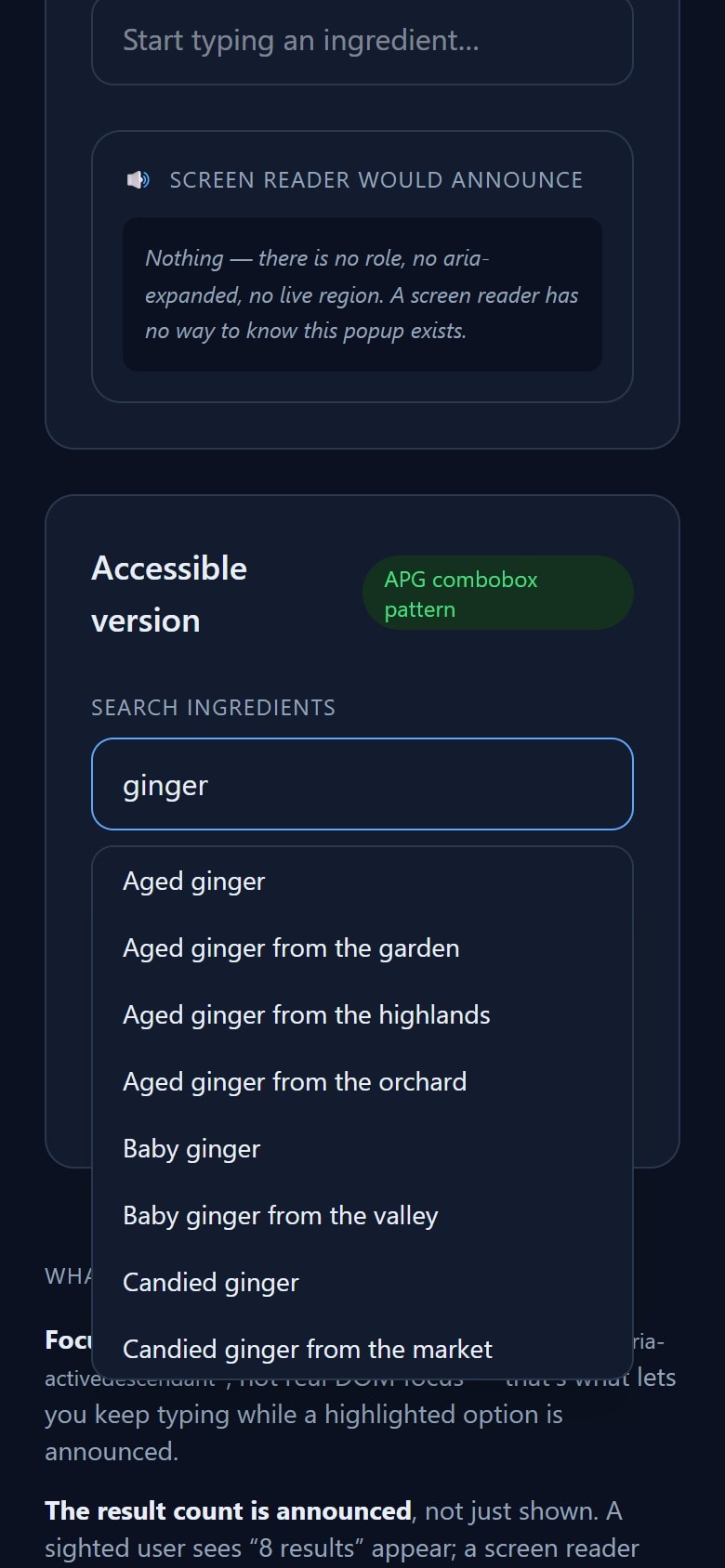
Two comboboxes with identical markup, searching 8,000 items — one keyboard-operable, one not.
The problem
Nothing else here shows how I actually verify a claim like "accessible" instead of just asserting it. A combobox is a small enough surface to finish and a large enough one to get wrong in every classic way — focus management, virtualization fighting ARIA, a live region that goes silent exactly when it's needed most — so I built two, identical on the outside, and let real tests decide which one earns the label.
Decisions
01
The naive version is not a straw man
Same input, same-looking dropdown, shown on focus — built with plain useState and <div onClick> rows, because that is a genuinely common way custom dropdowns get built, not an exaggerated worst case.
02
aria-activedescendant has to survive virtualization
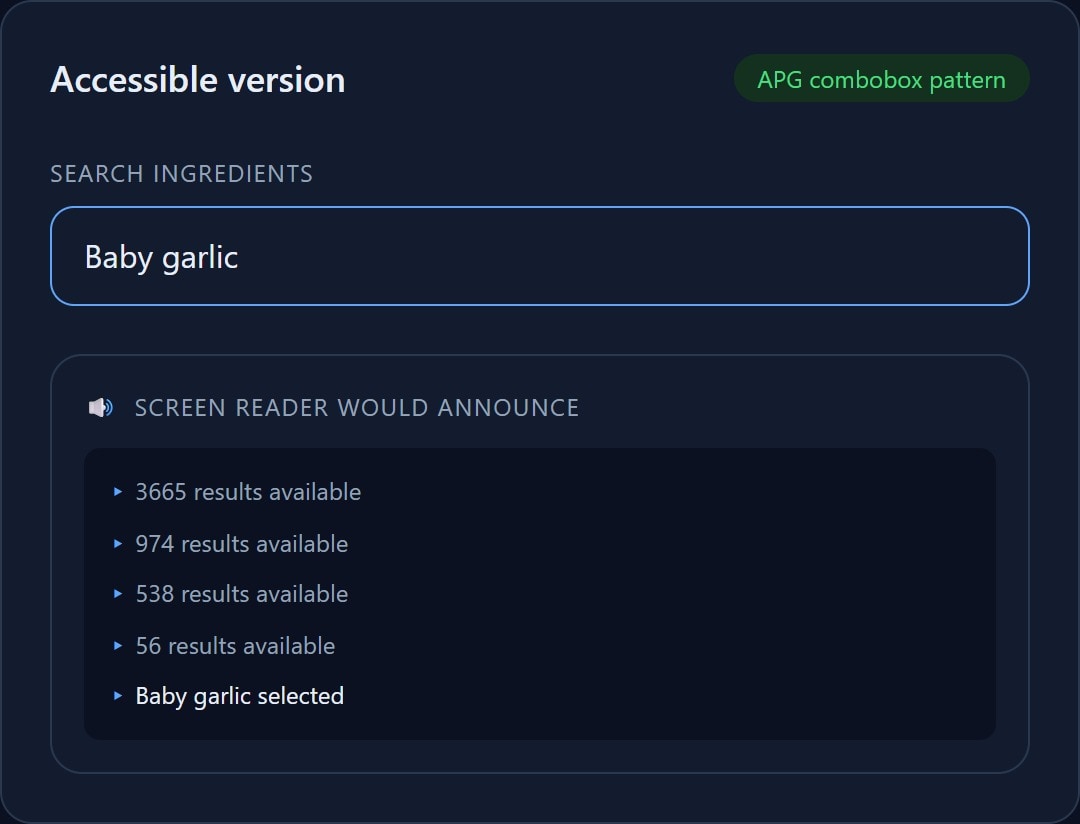
With 8,000 options only a slice is ever rendered. The one rule that adds on top of the combobox pattern: the highlighted option's id must always exist in the DOM, so moving the highlight off-window has to scroll it back into view as part of handling the key, not after the fact.
03
"No results" stays inside the listbox, on purpose
The first version closed the popup on a zero-match query — and that silently broke the live region, because the announcement effect only fires while the list is open. Now a zero-match query keeps it open with a disabled placeholder option, so "No results" gets announced instead of nothing.
04
The virtualization wrapper needed role="presentation"
The spacer element and its offset wrapper, needed to position a rendered slice within the full scroll height, sat between role="listbox" and role="option" — which axe correctly flagged as a broken required-parent relationship. Marking them presentational removes them from the accessibility tree without touching the layout.
05
An honest ceiling for automated scanning
I scanned both versions with axe-core rather than assume the outcome. Closed, both score zero violations — a plain labelled input is valid HTML either way. Opened, the naive one gets exactly one (a non-focusable scrollable region), not the dozen a reader might expect. That number is the point: automated tools catch a real slice of accessibility bugs, not most of them.
06
A build that hung forever, with no error
The 8,000-item dataset is generated by a seeded PRNG so tests stay deterministic. The first version multiplied plain floating-point numbers, which overflows safe-integer precision and can degenerate into a short cycle — for this seed it did, and the generation loop never reached its target. Nothing but the page itself imported that module, so it surfaced as next build hanging indefinitely rather than a failing test. Rewritten as a proper integer PRNG and pinned down with a regression test.
What I measured
0
axe violations, accessible version
open, with results, and in the No results state
1
axe violation, naive version
the honest number — not a dozen
49
tests
36 unit (pure functions), 13 end-to-end (keyboard flows, axe scans)
100 / 98
Lighthouse a11y / perf
97 perf on mobile — a11y still just means axe-clean
Built with
- Next.js
- TypeScript
- Tailwind CSS
- Playwright
- axe-core