
073D / WebGL2026Solo — concept, design, build, deploy
KLYK-65 — Interactive 3D Keyboard
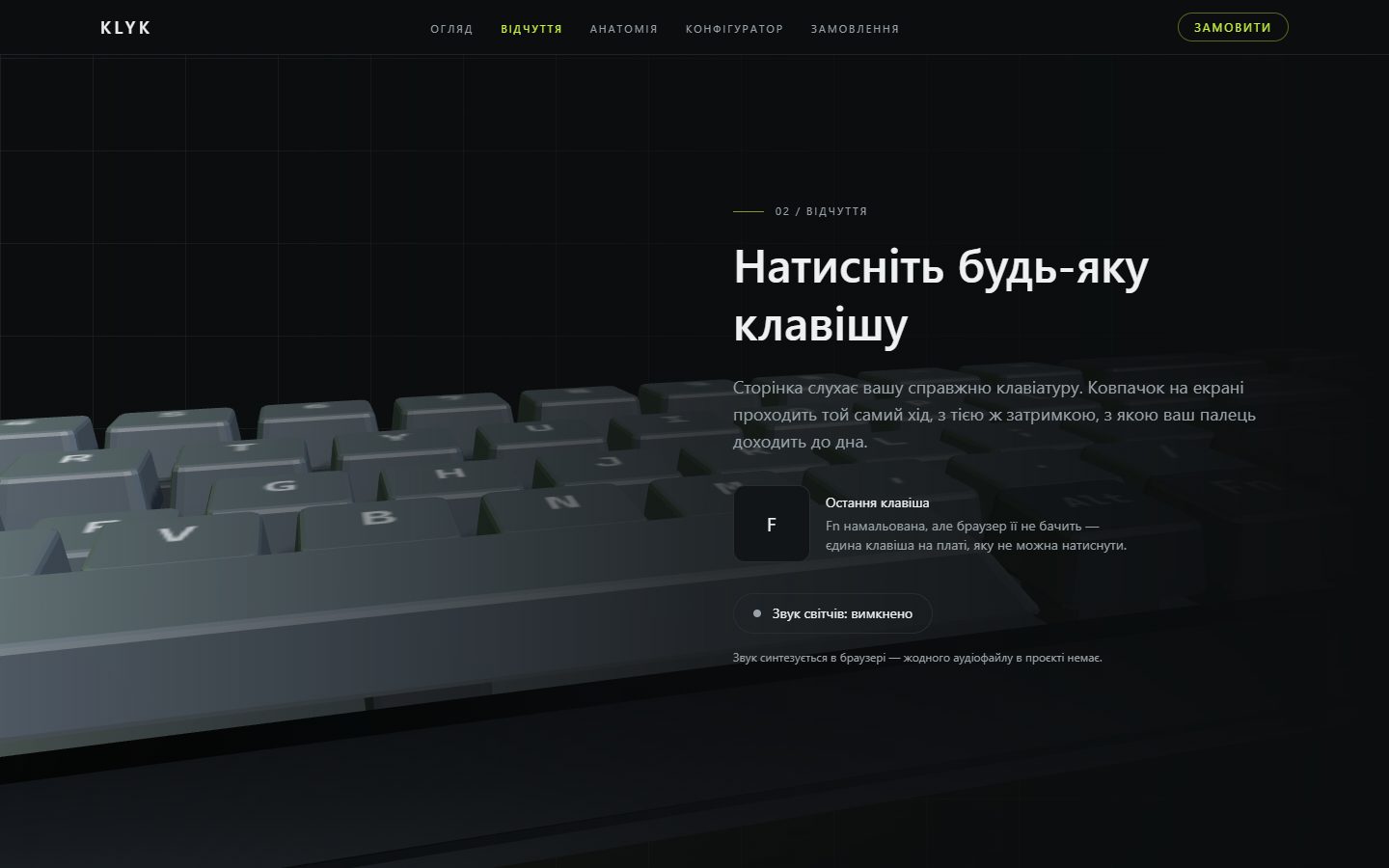
A scroll-driven WebGL landing page whose keyboard reacts to the keys you actually press.
The problem
Every junior portfolio has landing pages in it, so another one proves nothing. I wanted a project in a genre that is hard to fake — real-time 3D — and I wanted it to be honestly mine: most WebGL showcases are a bought model with a camera orbiting it, which says more about the marketplace than about the developer.
Decisions
01
The model is generated in code, not downloaded
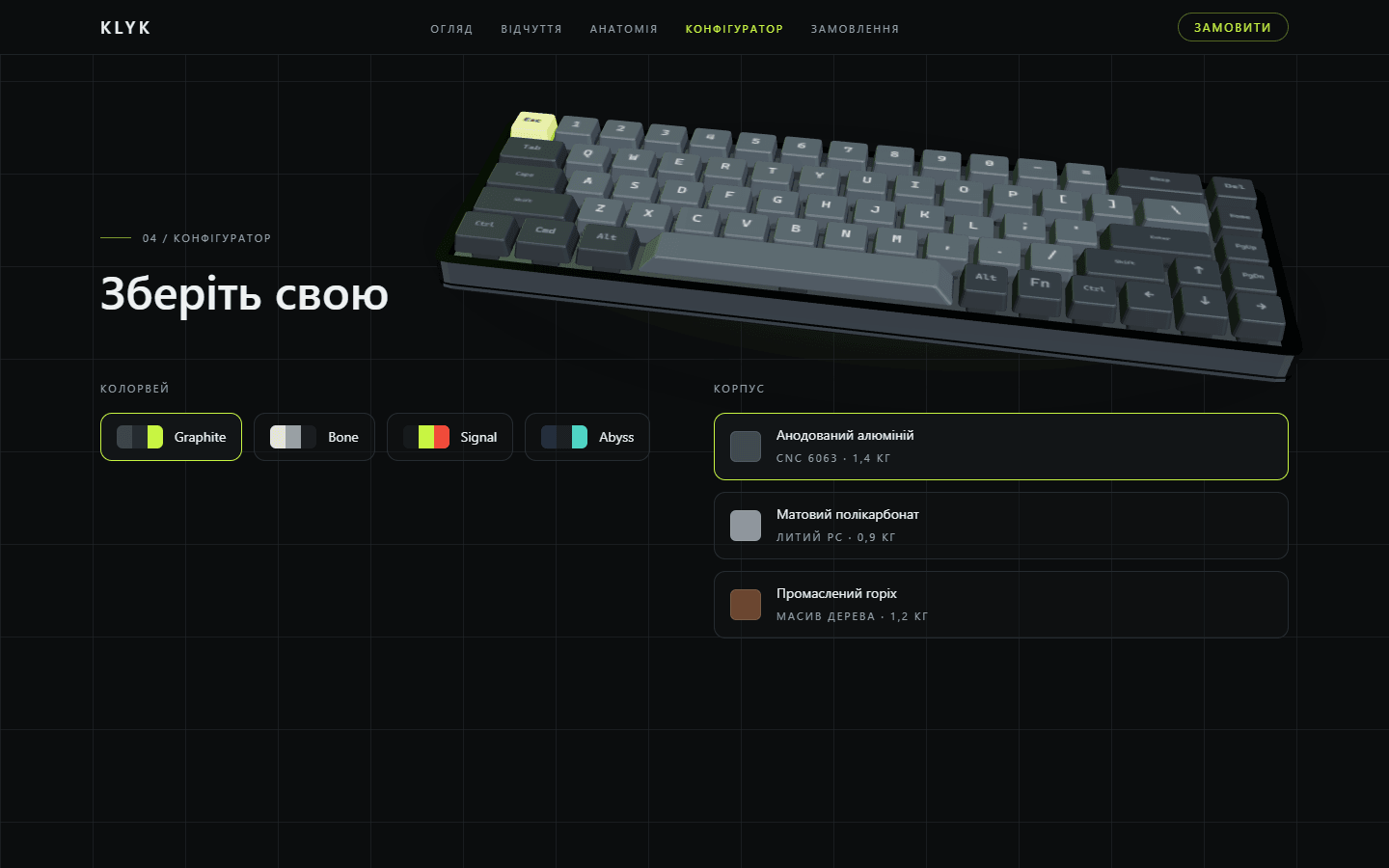
There is no GLTF, texture, image or audio file in the repository. Every part is an extruded rounded rectangle: the caps are tapered and chamfered, the case walls are one extrusion with a hole in it. A change to the layout table reshapes the model, because the geometry is a function of that table.
02
68 caps, about a dozen draw calls
Caps are grouped by width into one instanced mesh each. A single mesh for all of them would have to scale the spacebar 6.25x on X and stretch its corner radius into an ellipse; seven meshes keep every corner identical and still cost far less than 68 separate objects.
03
Legends are drawn at runtime into one atlas
All 68 legends live in a canvas texture generated in the browser and render as a single instanced quad with a shader that offsets UVs per instance. Glyphs are white and tinted per instance, so switching colourway costs an attribute update instead of a texture rebuild — and the 3D layer ships no font file.
04
I threw out the helper library for the lighting
The usual environment helper pulled RGBELoader, EXRLoader and a gain-map decoder into the bundle — HDRI machinery for files this page never loads. I replaced it with four emissive panels prefiltered in the browser. The 3D chunk dropped from 964 KB to 892 KB raw and the desktop score went up four points.
05
The choreography is pure functions
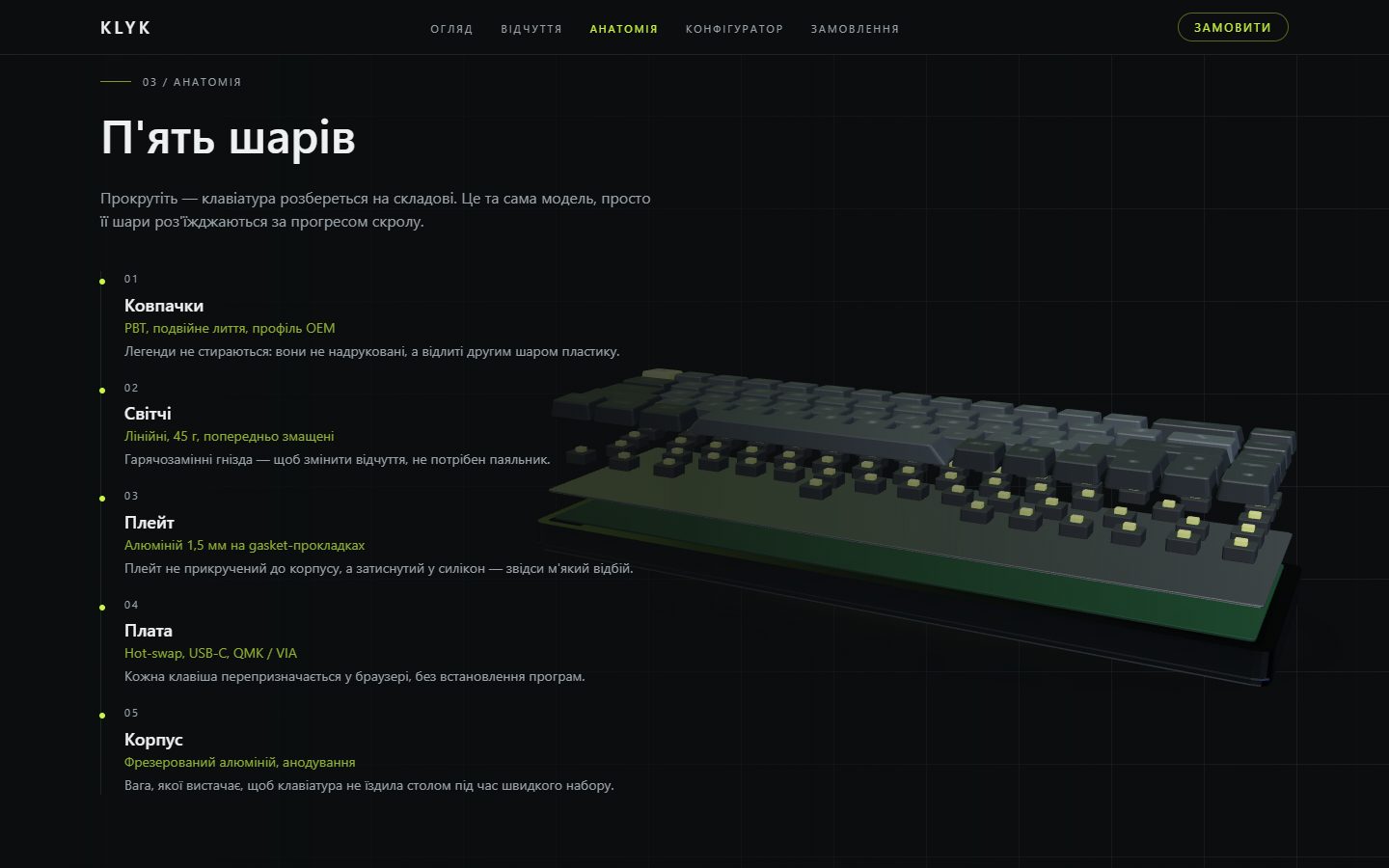
Scroll progress maps to a camera pose, an explode amount and a canvas opacity through functions that know nothing about three.js, anchored to the sections' real offsets so a section taller than the viewport cannot drag the keyframes out of step. That is what made the timeline unit testable; the scene only damps towards whatever those functions return.
06
Phones do not get WebGL at all
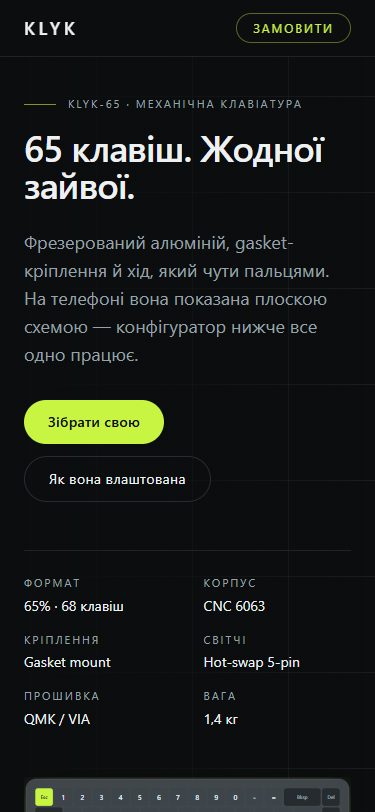
Below 768px, or without WebGL2, the same keyboard renders as server-side SVG from the same layout table — so crawlers and no-JavaScript visitors get the whole board too, and the configurator keeps working there.
What I measured
93
Lighthouse mobile
higher than desktop — phones never load three.js
74
Lighthouse desktop
0.74 s of blocking time, nearly all of it evaluating the 3D engine
0.6 s
LCP, CLS 0
the page is readable long before the scene arrives
37
tests
30 unit on layout, timeline and geometry; 7 end-to-end
Built with
- Next.js
- TypeScript
- three.js
- React Three Fiber
- Tailwind CSS